Implementing an orbital mechanics simulator in Scala
Orbit - A programming project that involved creating a physics simulator in Scala and an interactive frontend using ScalaFx.
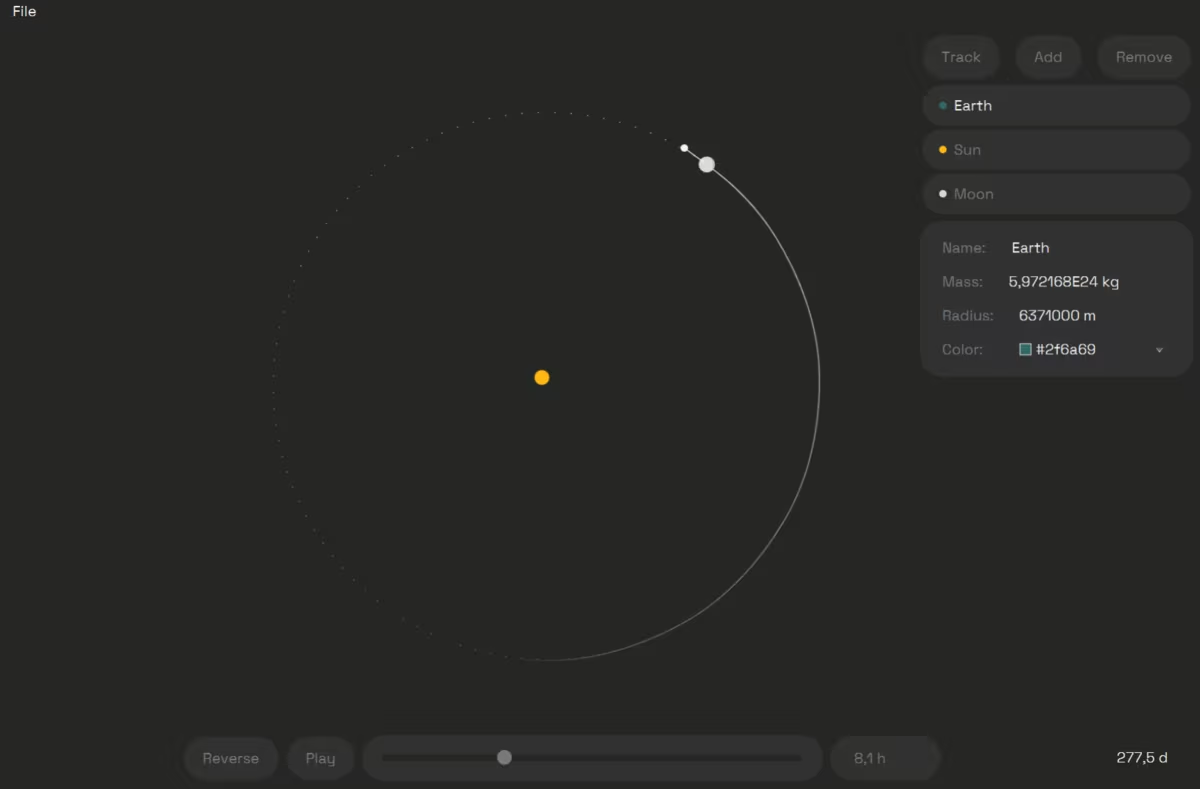
Project overview
I had the opportunity to create a gravitational simulator as a programming course project. Space in general had intrigued me for a long time which made the topic an easy choice. The course had different criteria for different difficulty targets, and I completed the project with the hardest difficulty level.
The main goal for me was to create a simulator that would be fun to interact with. Accuracy and efficiency were not necessarily the main goals for this project though needed to be considered at some level.
Process, technologies, and challenges
The project began by creating a general plan that describes the functionality, user interface, file system and error handling on a high level. The main idea was to understand the problem space better at an early stage. The general plan was soon followed by a technical plan that expanded the general plan with an UML class diagram, use case descriptions, required algorithms and data structures, schedule, and testing plan. After both plans, it was quite clear what would need to be done when starting to implement the project.
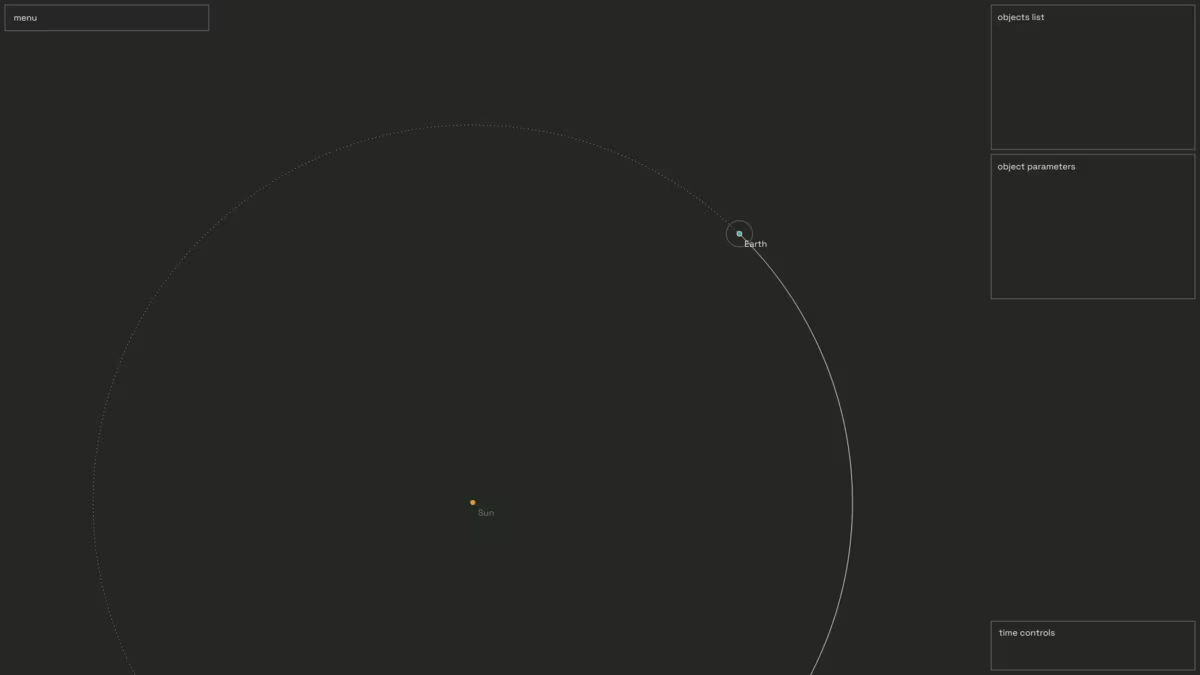
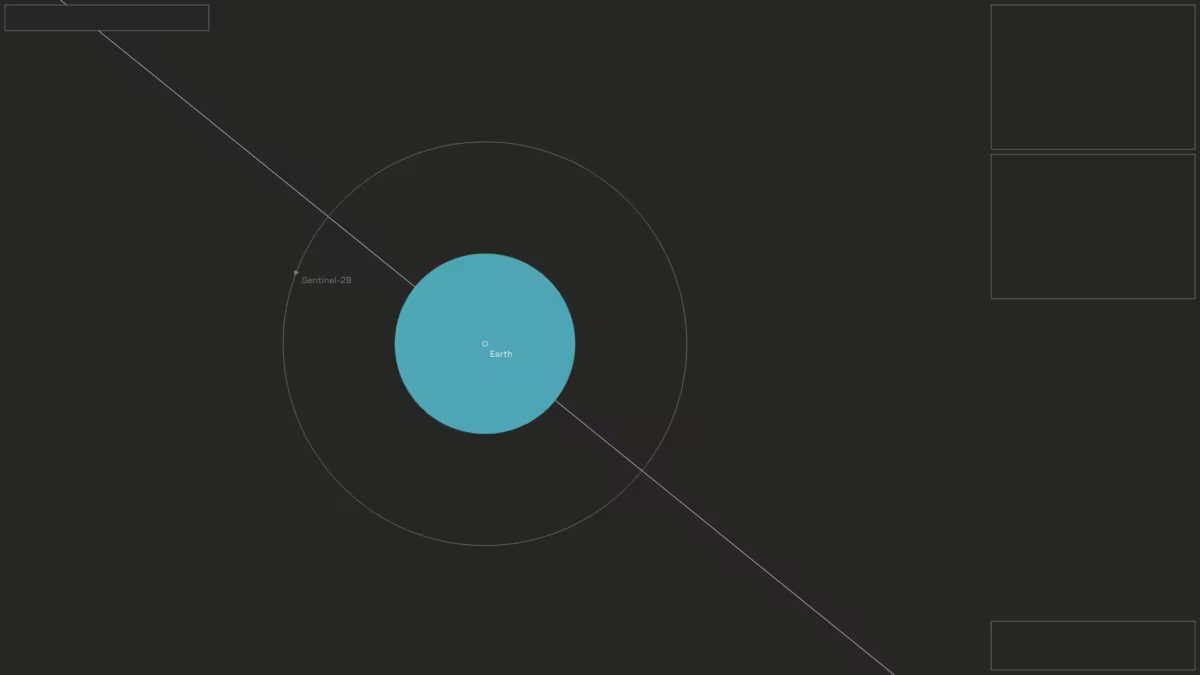
Finding a suitable algorithm took some research. There were not any requirements regarding the time complexity or simulation accuracy, but the problem involves something called the n-body problem where multiple forces affect a single object simultaneously. I ended up using Velocity Verlet as it was decently efficient and stable enough for this use case.
I created the project using Scala as it was a requirement and the language I felt most comfortable with. I created the user interface using the JavaFx based ScalaFx library as it was a more modern alternative to Scala Swing. Circe library was used for JSON file handling. The workflow involved using git for version management.
In addition to the plans and implementation, the process involved sprint meetings with a teaching assistant. A final documentation was created before submitting the project. After the submission, I presented the project to the TA.
Outcome
I was very satisfied with the outcome. I stayed in the schedule I had initially planned, though the project ended up taking a little more time than I had planned for. I was able to make justified design decisions and implement a well-working simulator that was intuitive and fun to use. I also got highly positive feedback from the teaching assistant. The comments include:
All the required matters are explained in good detail in the document!
The program has a clear logical structure and classes have clear roles.
The user interface looks good, is intuitive, easy (and fun!) to use. The quality of the basic functions of the program is great.
Program is well tested and error management is done well.
- Teaching assistant
The project had several learning goals that felt very useful to learn. Most notably, the working practices including git and sprint meetings. The project did also require object-oriented thinking when trying to decouple the simulator and frontend from each other.